
Professional book formatting without the formatting headache
Design beautiful ebooks and print books without wrestling with Word styles, CSS or layout software.
1
Import or write
Bring in an existing manuscript or start writing directly in Manusly.
2
Design your book
Choose a professional theme or customize typography, spacing, ornaments and chapter styling.
3
Preview & publish
Review your book across devices and export publishing-ready files.
Manusly
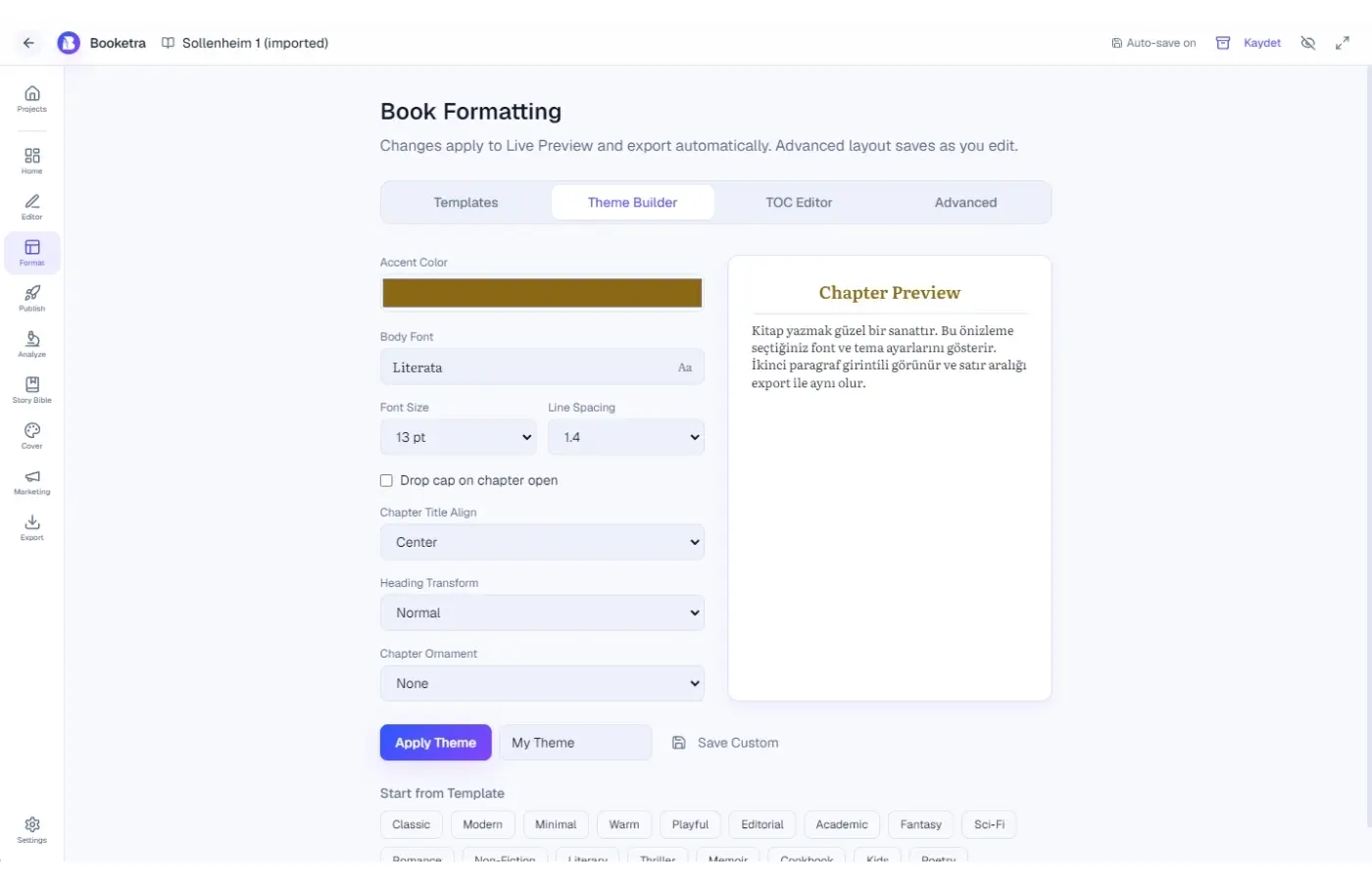
Theme Builder
Theme Builder
- 17 professional themes + save custom themes
- 80+ book-ready fonts
- Accent color, drop caps, ornaments
- Large print one-click preset
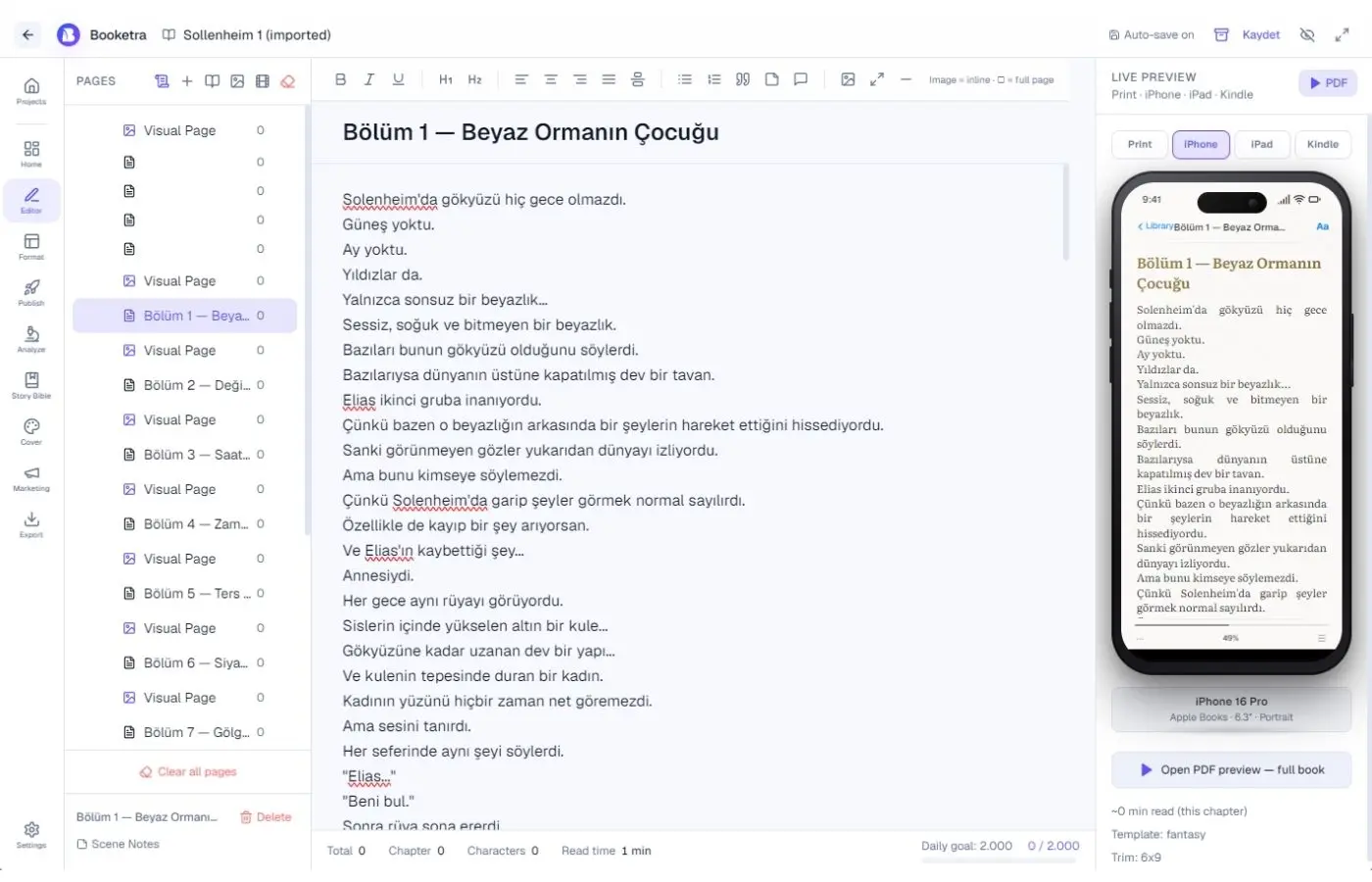
Device preview
Device Preview
Print, iPhone, iPad and Kindle frames in the editor — same chapter HTML, instant confidence before export.
Manusly
Manusly
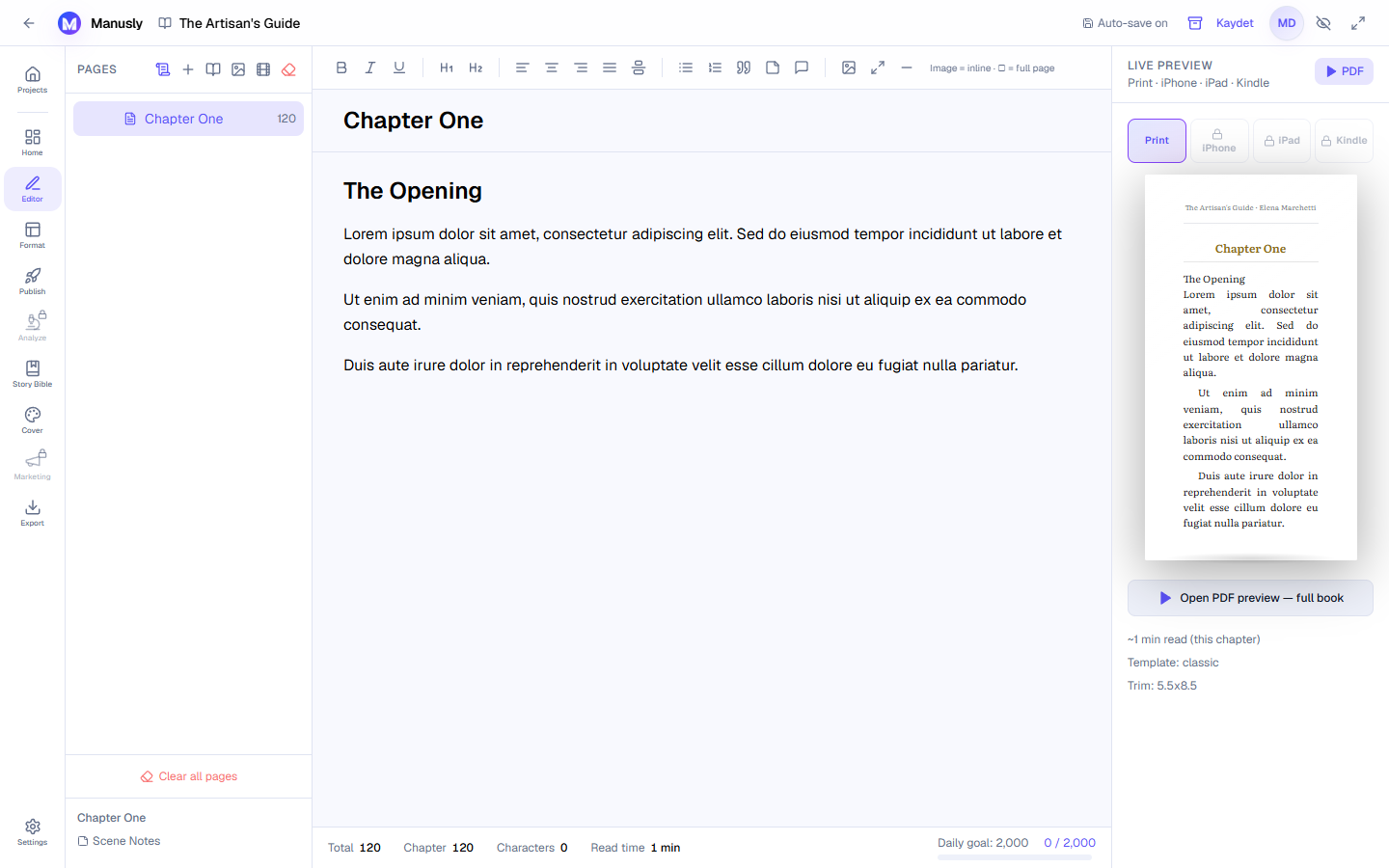
Print layout
Print layout
Trim sizes, margins and bleed-aware export for KDP and IngramSpark workflows.
Related reading
Ready to format your book?
Open Manusly in your browser. Upgrade when you need clean exports and publishing tools.
Télécharger l’application