
Professional book formatting without the formatting headache
Design beautiful ebooks and print books without wrestling with Word styles, CSS or layout software.
1
Import or write
Bring in an existing manuscript or start writing directly in Manusly.
2
Design your book
Choose a professional theme or customize typography, spacing, ornaments and chapter styling.
3
Preview & publish
Review your book across devices and export publishing-ready files.
Manusly
Theme Builder
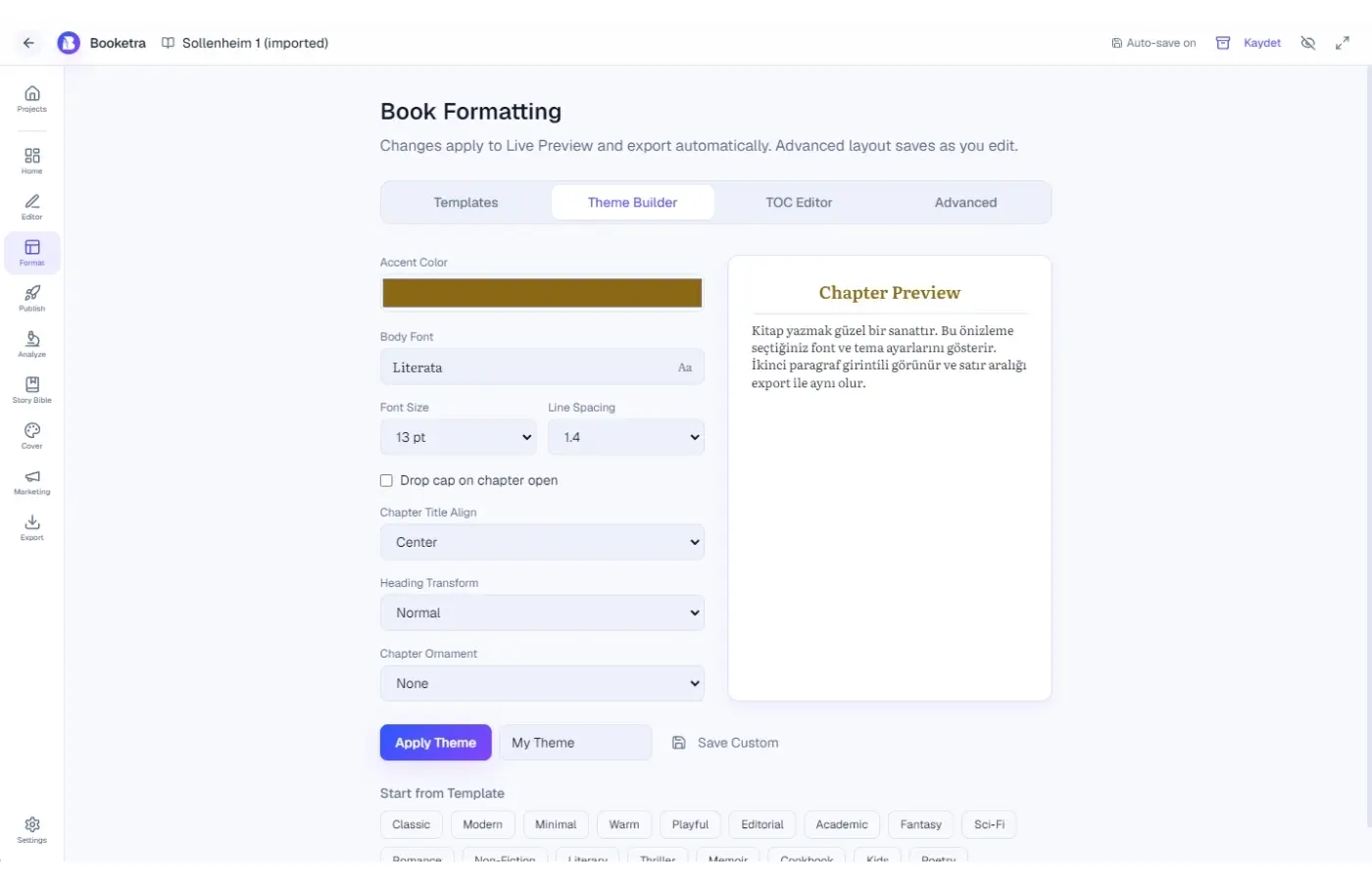
Theme Builder
- 17 professional themes + save custom themes
- 80+ book-ready fonts
- Accent color, drop caps, ornaments
- Large print one-click preset
Device preview
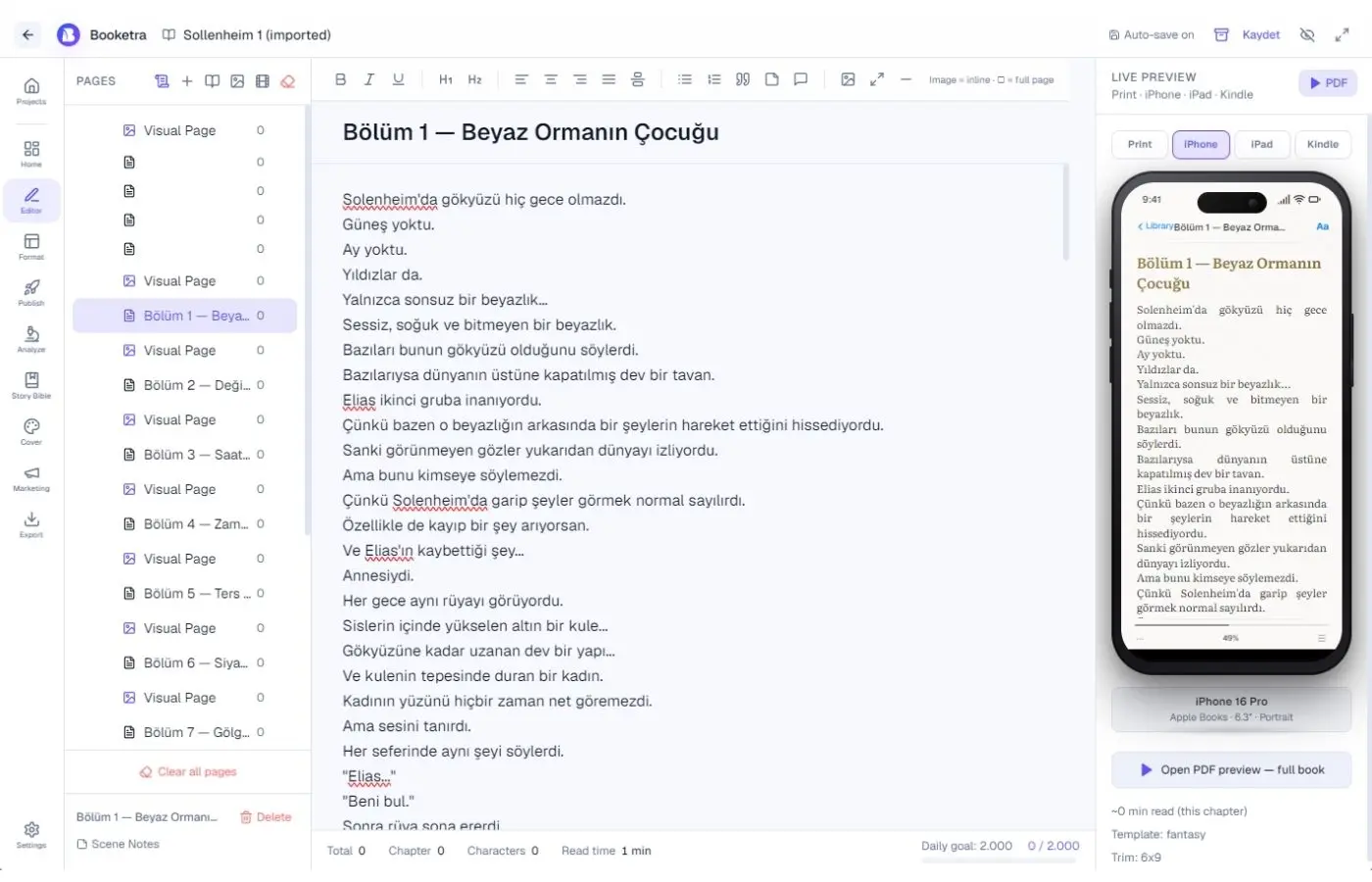
Device Preview
Print, iPhone, iPad and Kindle frames in the editor — same chapter HTML, instant confidence before export.
Manusly
Manusly
Print layout
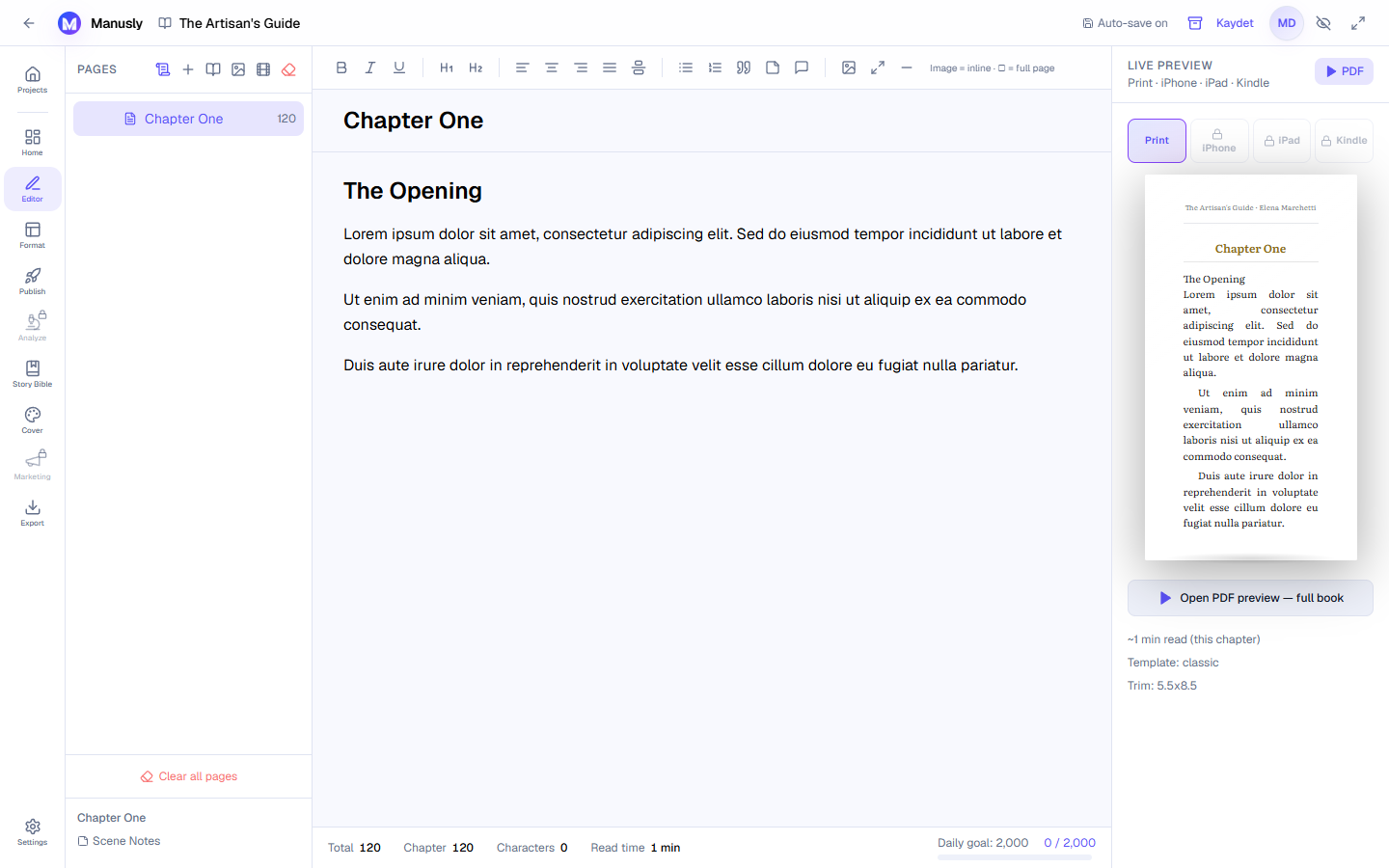
Print layout
Trim sizes, margins and bleed-aware export for KDP and IngramSpark workflows.
Related reading
Ready to format your book?
Open Manusly in your browser. Upgrade when you need clean exports and publishing tools.
Download desktop app